Steam Deck
Everything is Crab Steam Deck Guide
Everything is Crab supports full controller input on Steam. On Steam Deck, the most important settings are the ones that keep creatures readable and movement comfortable during crowded fights.
Quick Answer
Start with the default controller layout, keep text and UI readable, lower visual settings if the screen gets busy, and prioritize stable movement over cosmetic tweaks. Check the current Steam store status before buying or troubleshooting, because compatibility labels can change.
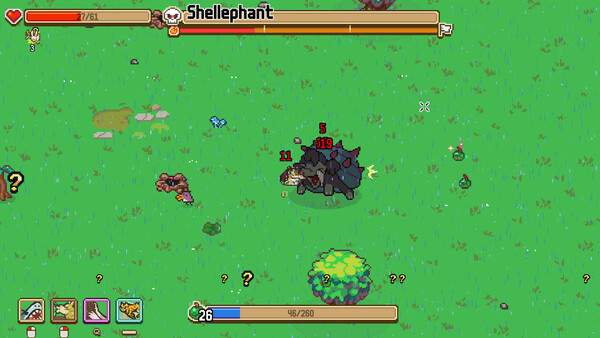
Recommended Steam Deck checklist
| Check | Why it matters | What to adjust |
|---|---|---|
| Controller comfort | Dodging and charge spacing depend on precise movement. | Test default controls, then adjust sensitivity only if dodges feel late. |
| Text readability | Evolution choices and achievements need quick reading. | Sit at normal play distance and verify menus before a serious run. |
| Performance stability | Late fights become busy. | Lower optional visual settings if frame pacing feels uneven. |
| Battery | Long runs can outlast short sessions. | Use Steam Deck performance controls if you need longer play time. |
Best routes for handheld play
Handheld play favors readable builds: movement, one clear attack, and safe food tempo. Extremely precise no-hit routes are still possible, but they are less forgiving on a small screen if too many creatures overlap.
If you are learning on Deck, try the first-clear survival route before a charm or no-damage route. Once movement feels natural, use the build planner to test more specialized shells.
FAQ
Is Everything is Crab good on controller?
The Steam page lists full controller support. Comfort still depends on your layout and how readable busy fights feel to you.
Should I change controls immediately?
No. Try the default layout first, then adjust only the inputs that feel uncomfortable during dodges and boss movement.
Sources
Platform and controller information should be verified on the official Steam store page before purchase or troubleshooting.